
Before and after
Drag across to see the change.
Drag the handle on any picture to compare before and after.
Explore
Turn the house. Click a part.
Press play, turn the house, and click a part to see the before and after for that trade.
Drag to turn it, scroll or pinch to zoom, and click any part. With a keyboard: focus the model and use the arrow keys, or use the buttons opposite.
The six
Room by room.
Each pair is the same view before and after.
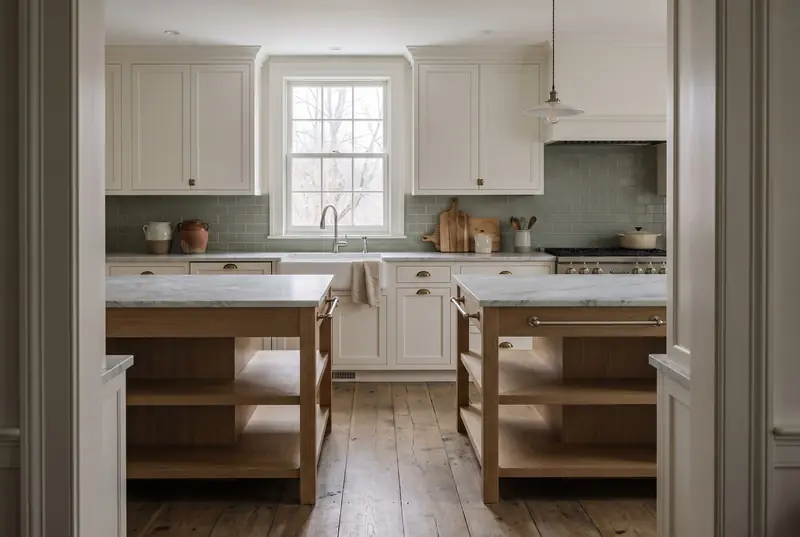
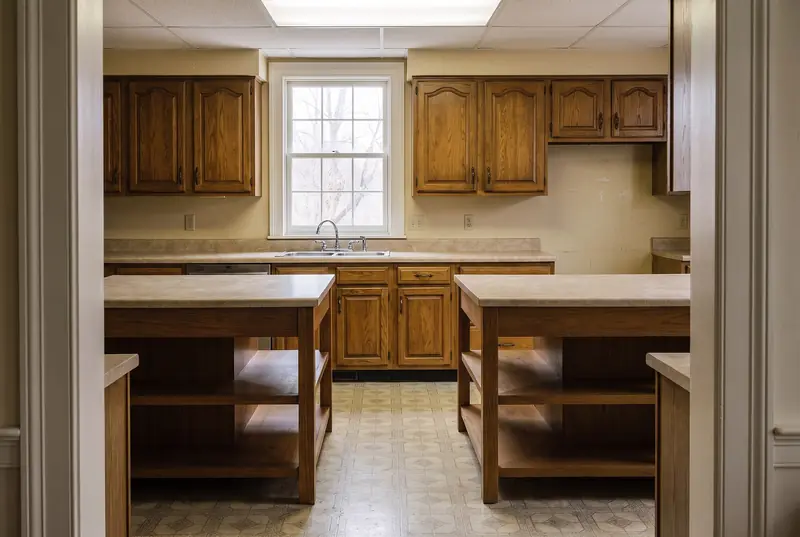
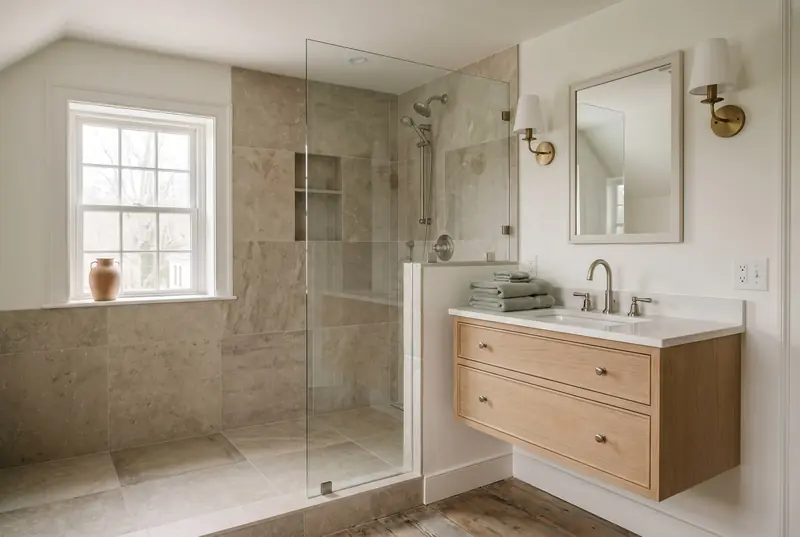
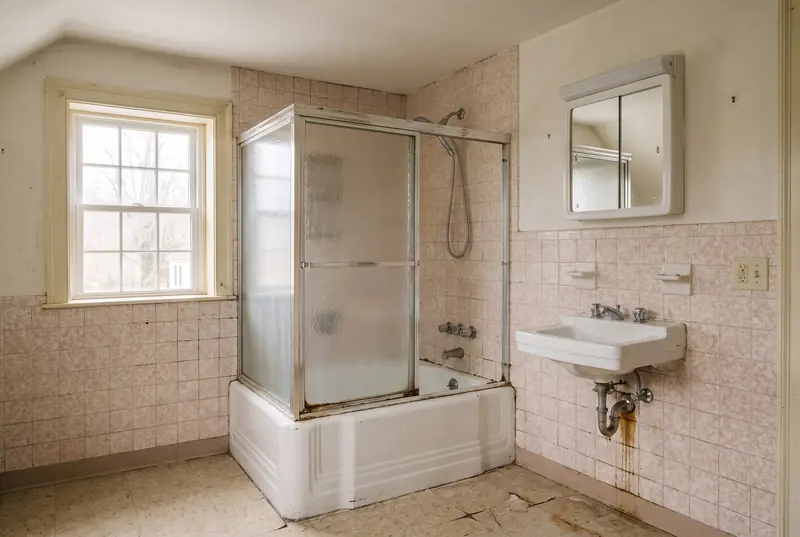
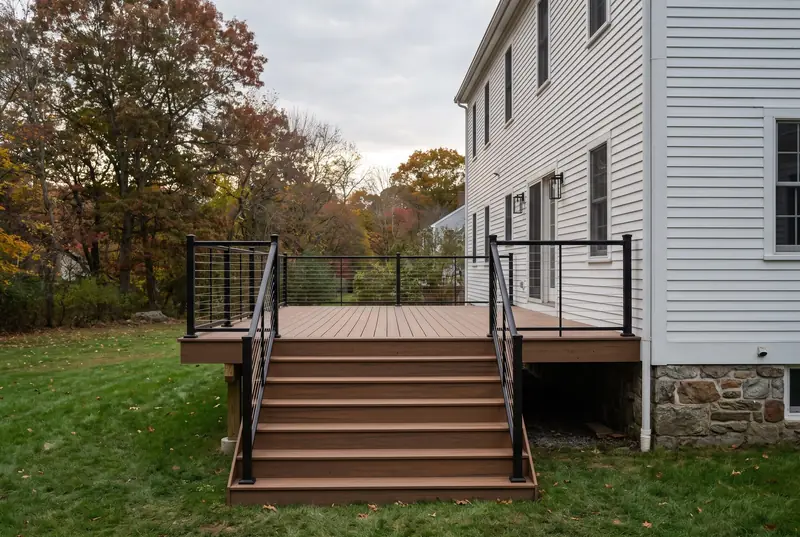
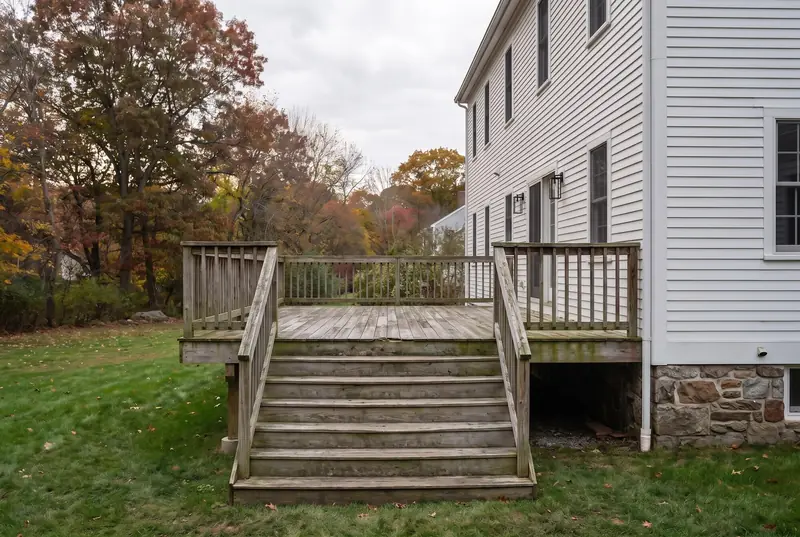
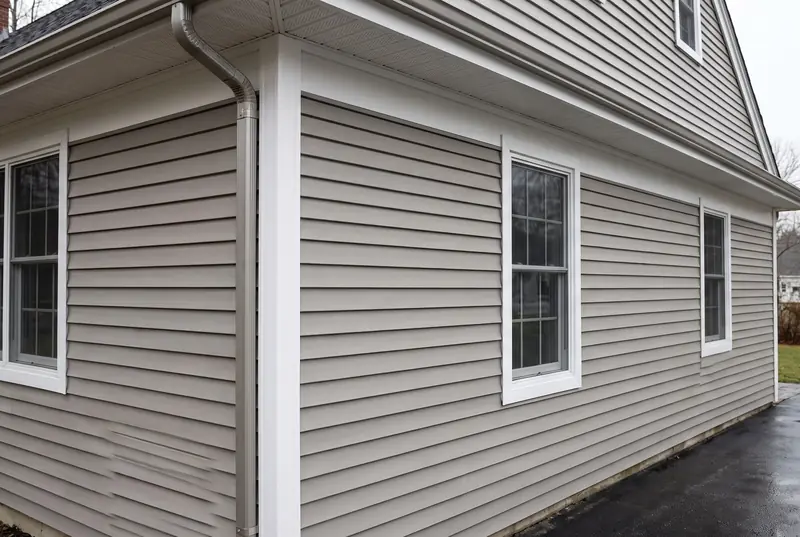
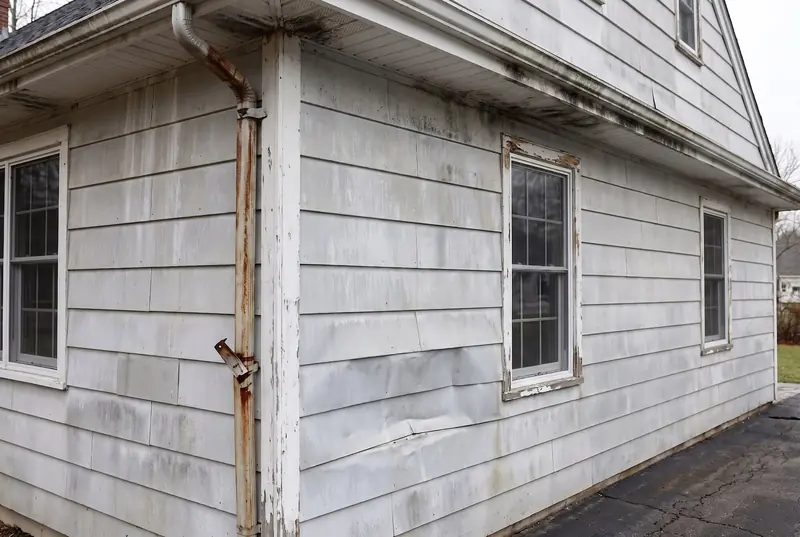
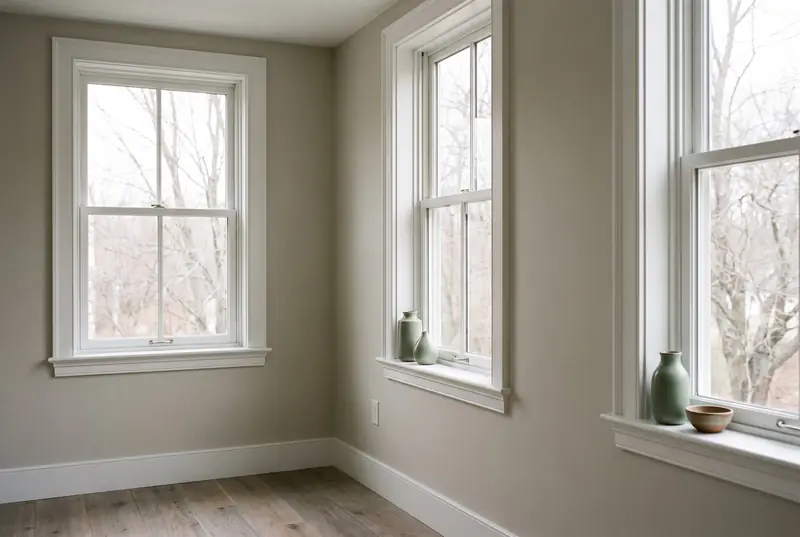
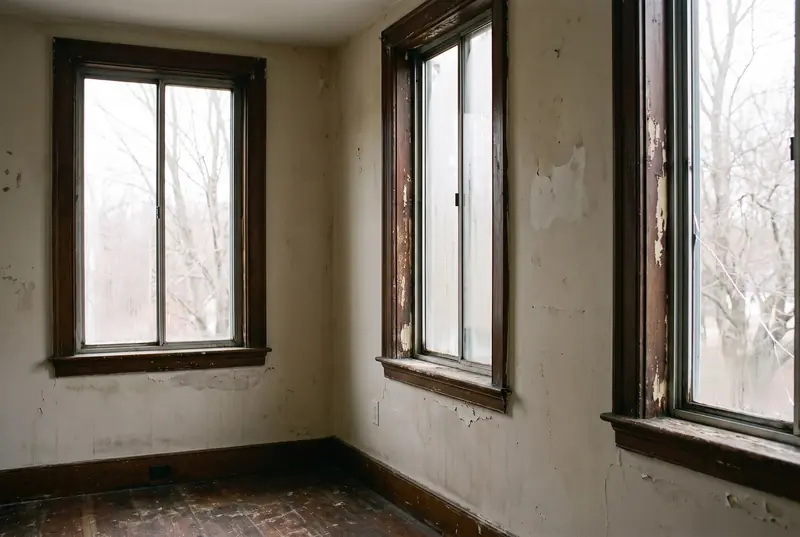
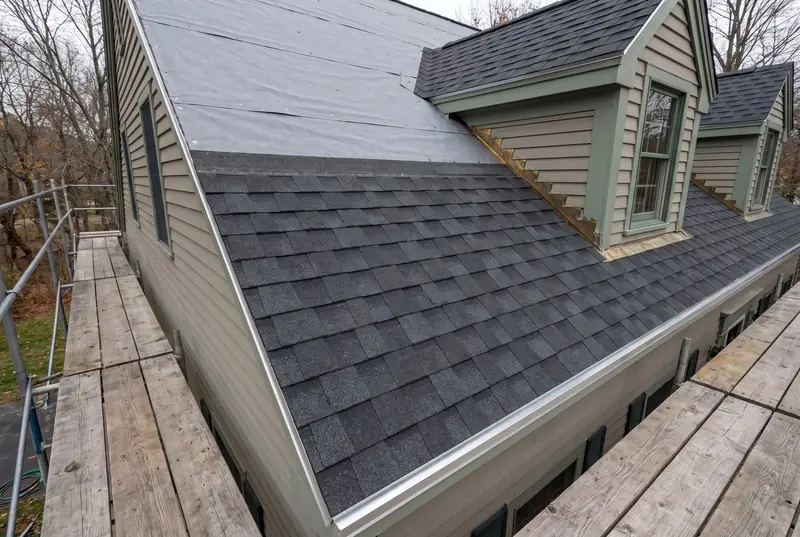
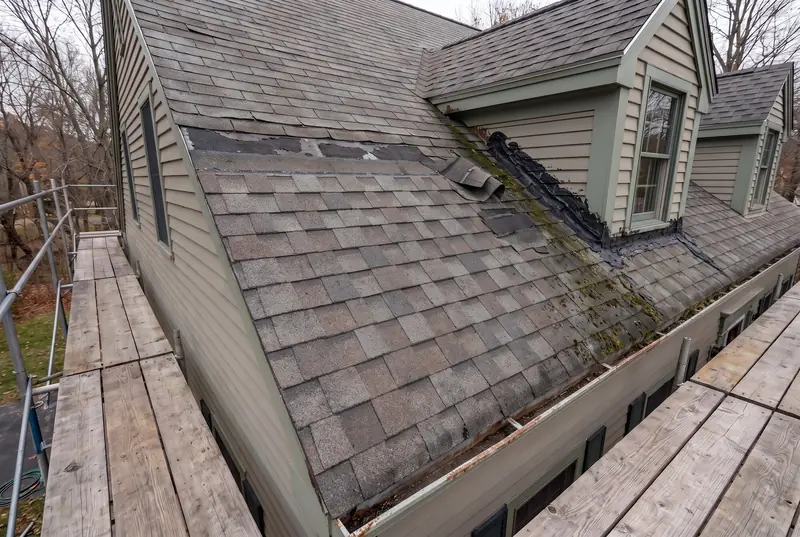
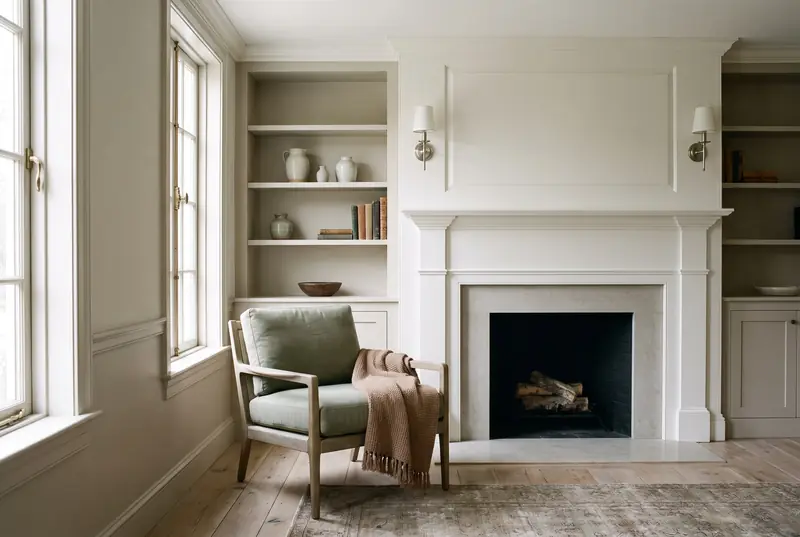
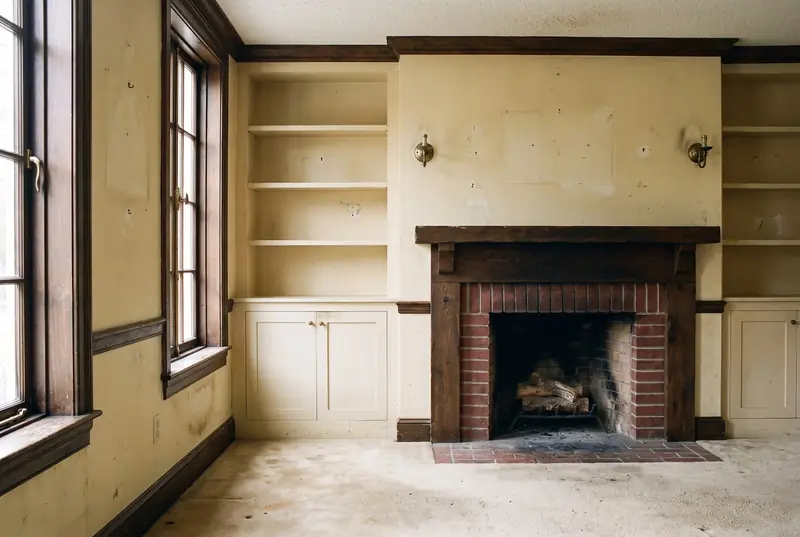
Drag the handle, or focus it and use the arrow keys. These pairs are illustrations of the kind of work each trade covers, not photographs of specific jobs.
Start yours
Trades
Get an estimate
Call (781) 635-6146 or send the form. We come to the house, look at the job and put the estimate in writing.
(781) 635-6146
Mon–Fri 8:00–19:00 · Sat 8:00–16:00 · Sun closed
Request an estimate Email us instead